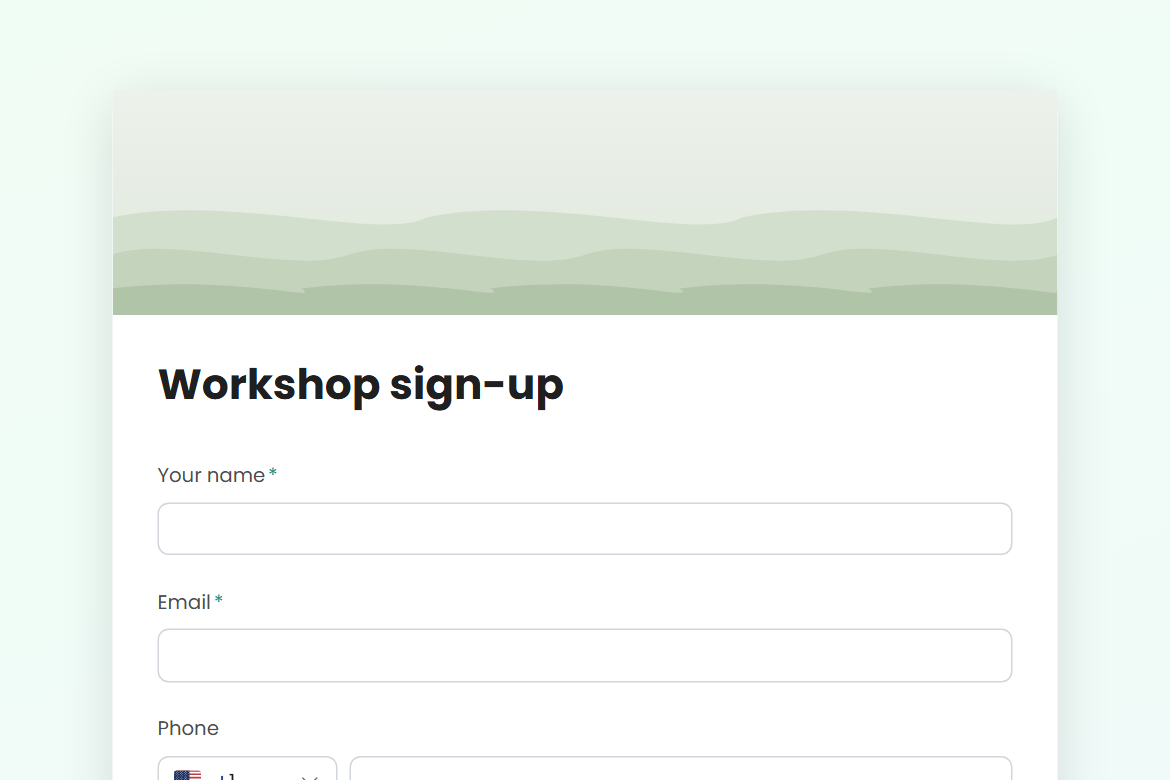
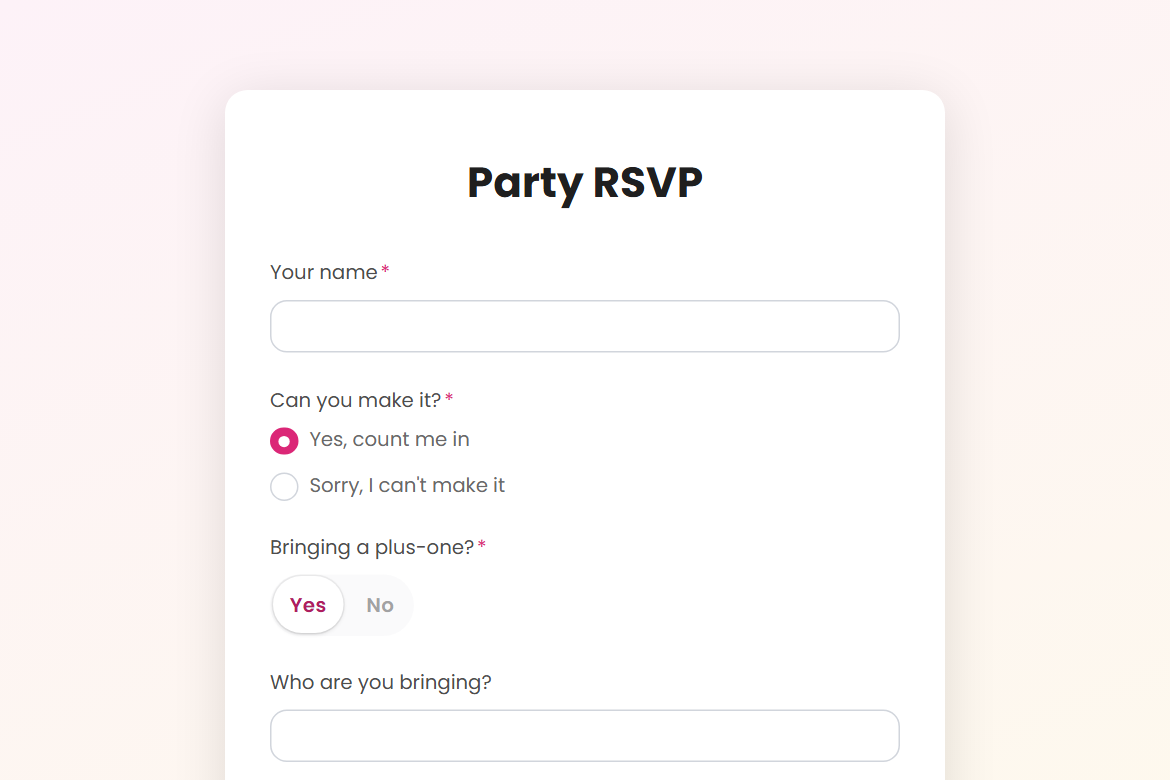
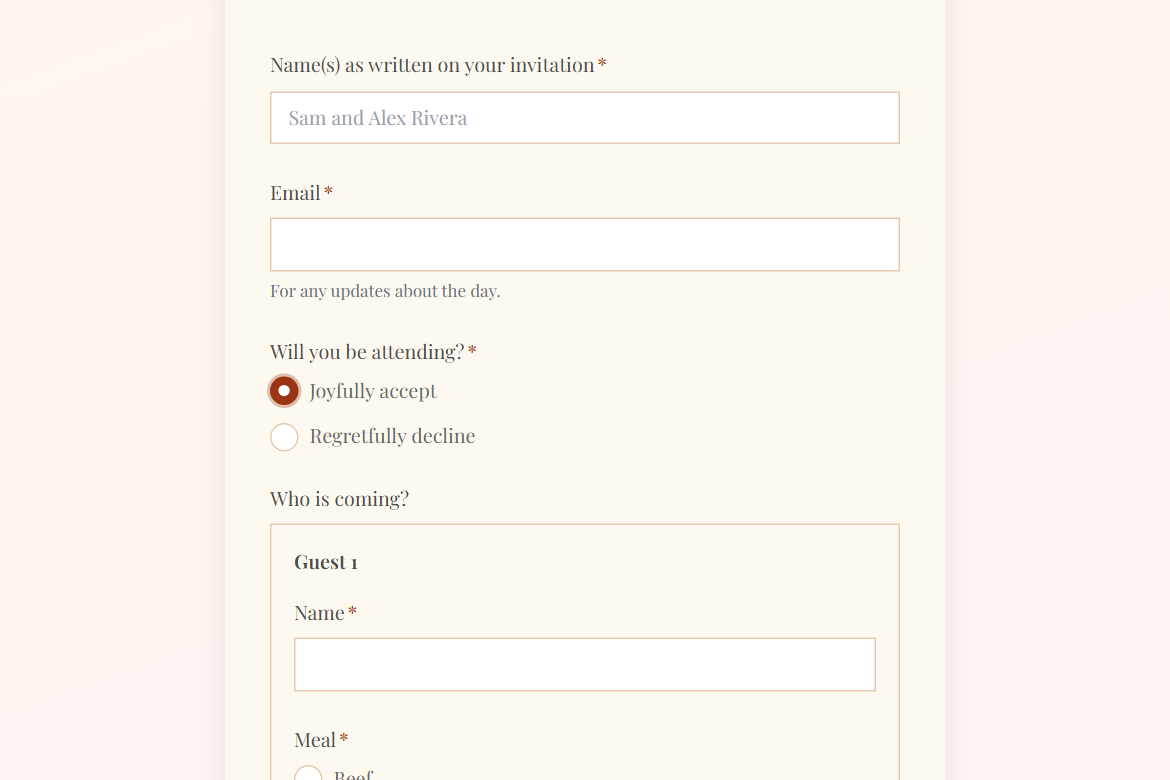
Registration & sign-up
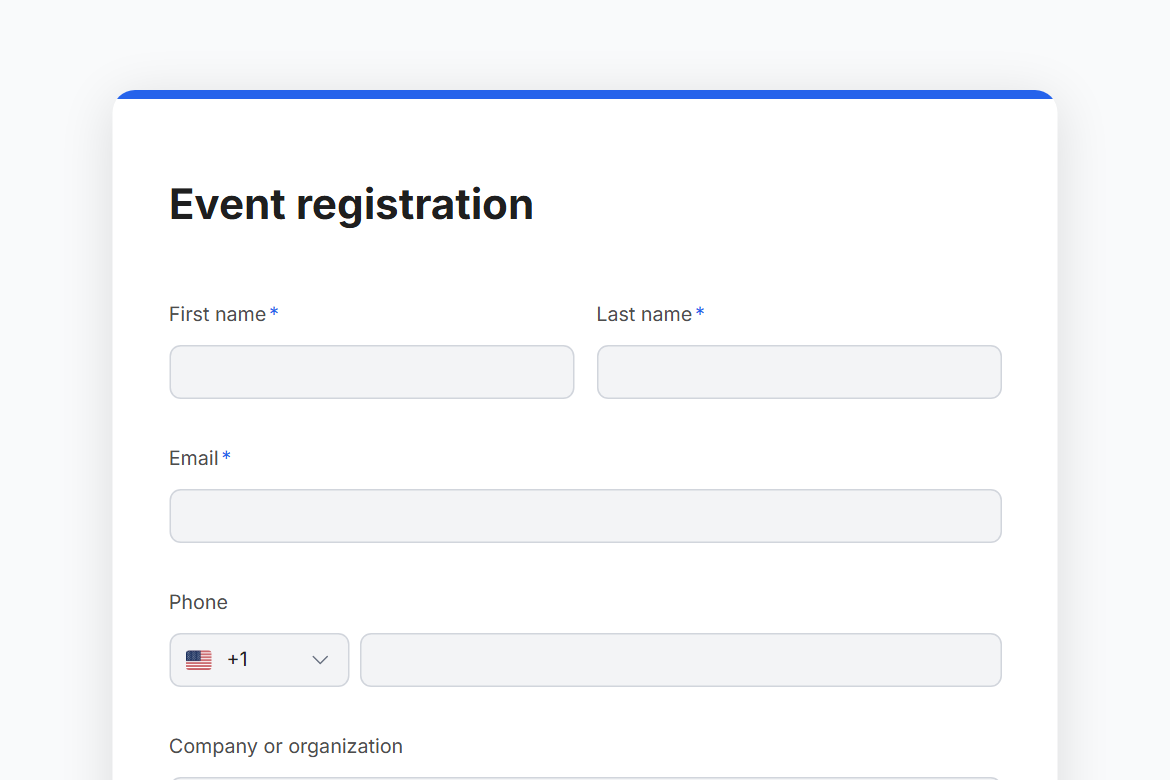
Event registration
Sign attendees up for an event: contact details, ticket type, dietary and access needs, and a Slack post for every registration.
What is in the form
- First name
- Last name
- Phone
- Company or organization
- Job title
- Who is attending? (Name, Ticket type, Dietary requirements for each attendee)
- Which parts will you attend? (pick any)
- Access needs (long answer)
- How did you hear about the event? (dropdown)
- Photos and video are taken at the event. Are you happy to appear in them? (yes or no)
It opens with a welcome screen (“Register for the event”) and ends with a thank-you message you can edit.
After someone submits
A Slack post. Every submission is posted to #events, so the team sees it where they already work.
The workflow comes with the form, switched off until you fill in the blanks: Slack needs your workspace connected once.
Make it yours
Change anything in the builder: nothing goes live until you publish.