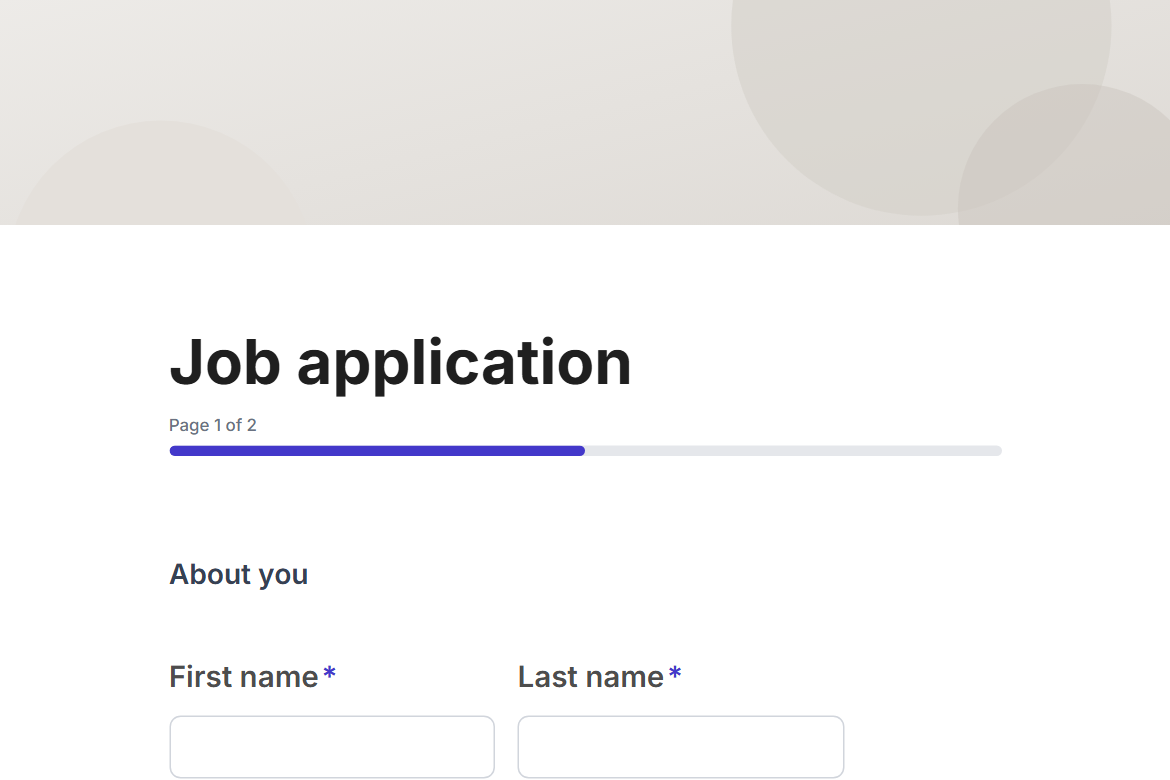
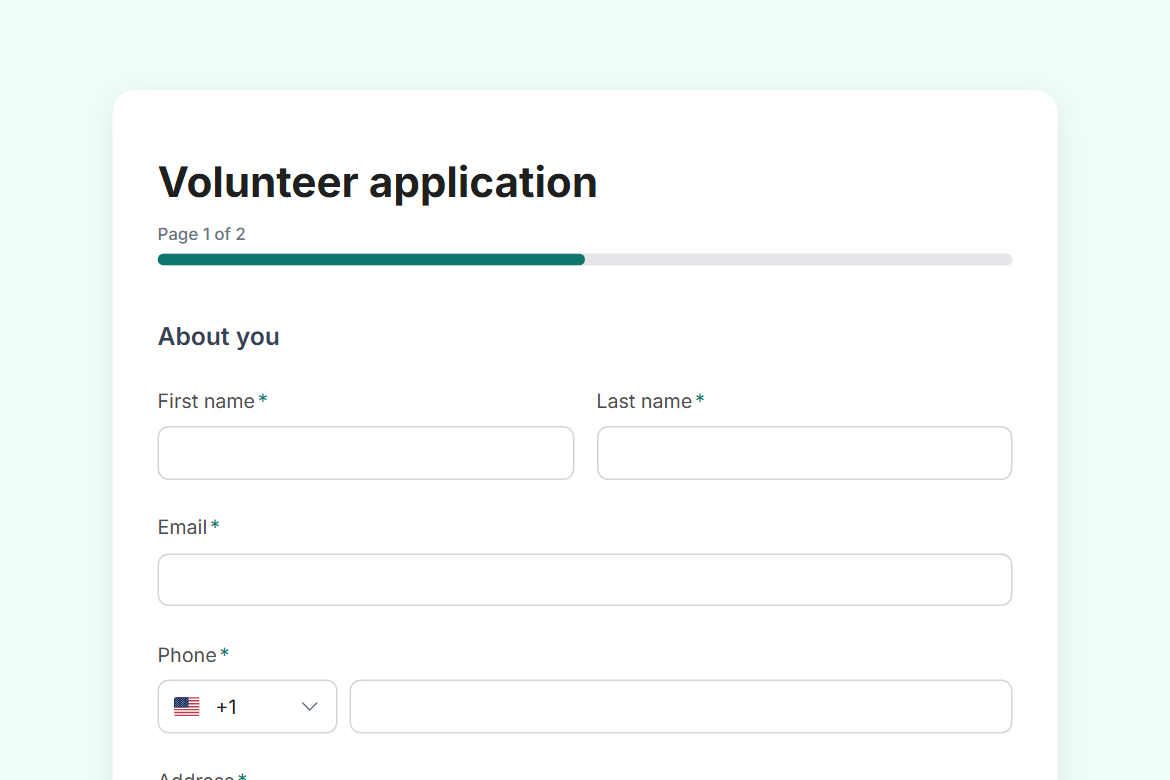
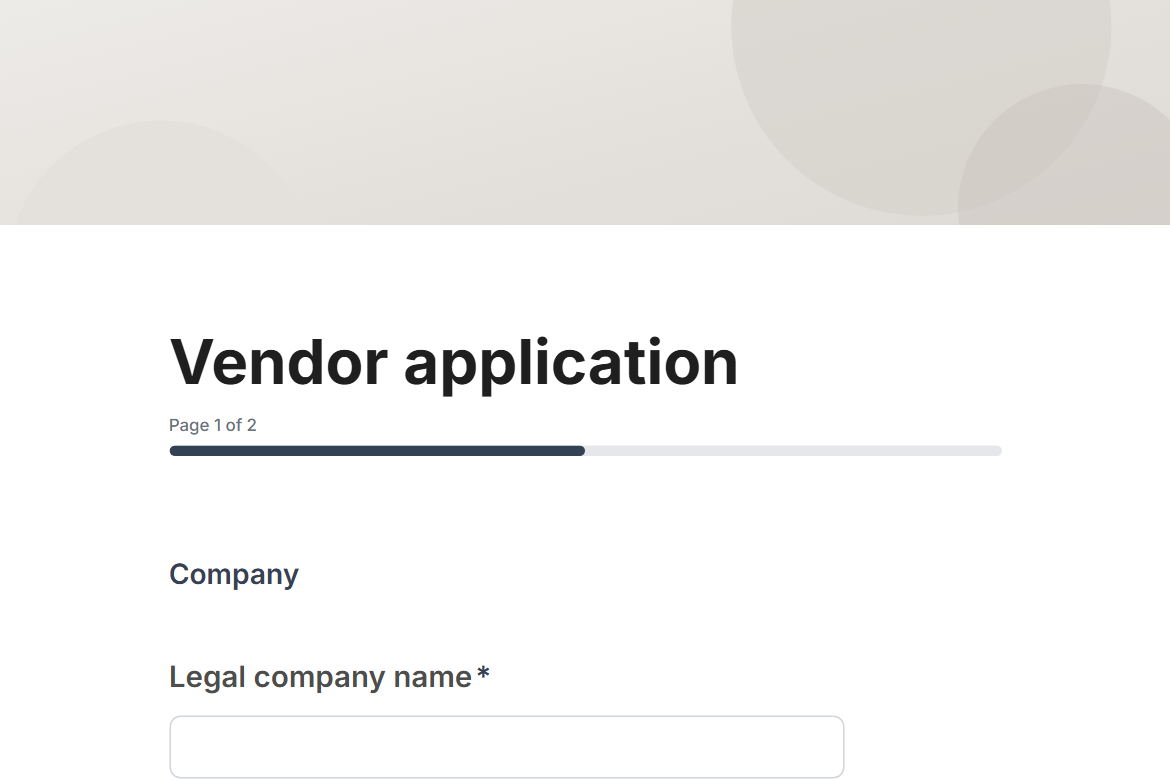
Applications
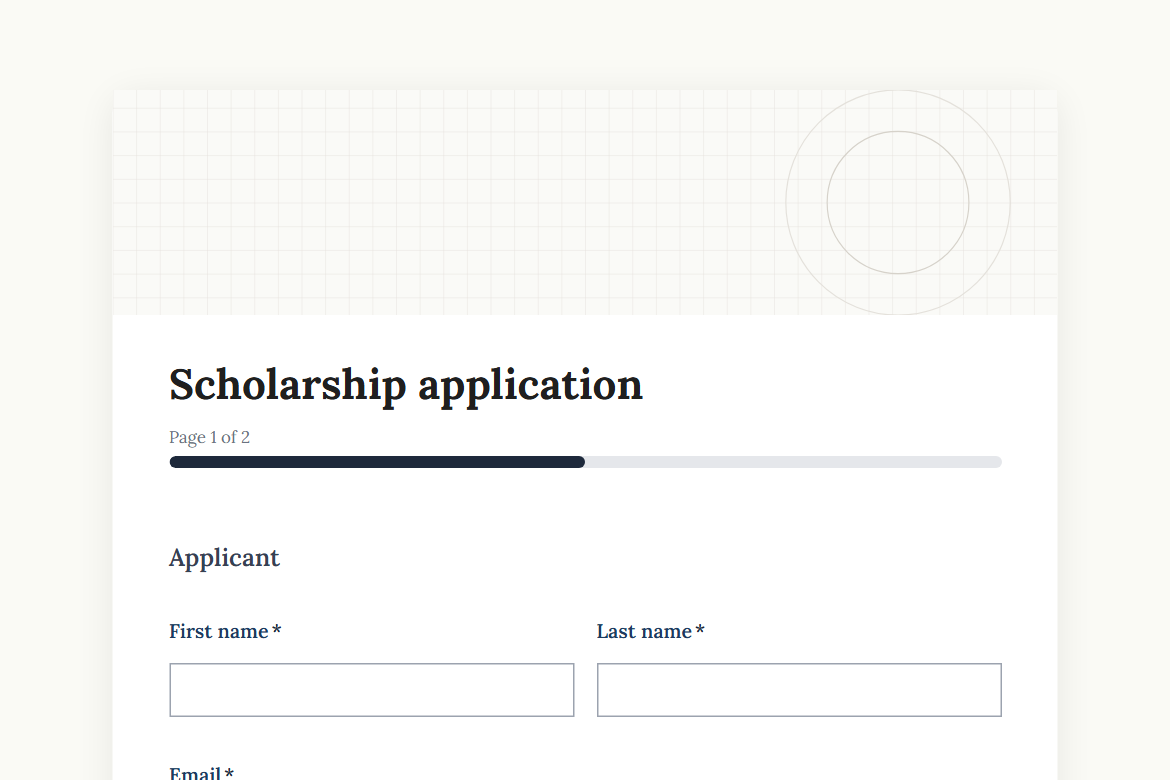
Scholarship application
Collect scholarship or grant applications with a personal statement, transcript and recommendation letter, and route each one to the committee for a decision.
What is in the form
Page 1: Applicant
- First name
- Last name
- Phone
- Date of birth (date)
- Country of residence (country)
- School, college or university
- Programme or major
- Year of study (dropdown)
- Grade average
Page 2: Your application
- Which award are you applying for? (dropdown)
- Personal statement (long answer)
- How would you use the funds? (long answer)
- Transcript (file upload)
- Recommendation letter (file upload)
- Are you receiving or applying for other funding? (yes or no)
- Which funding, and how much?
- I confirm that everything in this application is accurate and my own work. (yes or no)
“Which funding, and how much?” only appears when someone answers “yes” to “Are you receiving or applying for other funding?”.
It opens with a welcome screen (“Scholarship application”) and ends with a thank-you message you can edit.
After someone submits
An approval by email (Pro). Each submission goes to an approver you name, with the answers and two buttons: “Shortlist” and “Decline”. The rest of the workflow follows their decision.
The workflow comes with the form, switched off until you fill in the blanks: the approval needs Pro.
Make it yours
Change anything in the builder: nothing goes live until you publish.