Orders & bookings
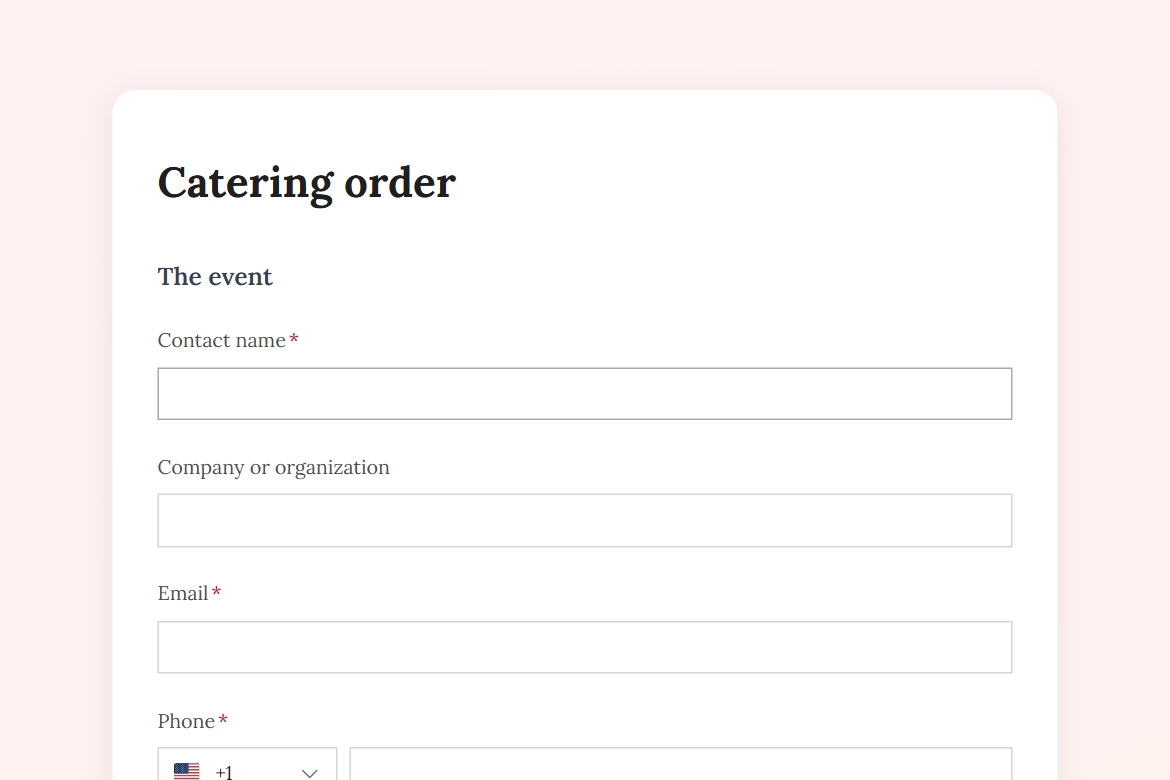
Catering order
Take catering requests for events: date, headcount, service level, menu choices, dietary needs and delivery details, with the kitchen confirming availability in one click.
What is in the form
- Contact name
- Company or organization
- Phone
- Event date (date)
- Serving time
- Type of event (dropdown)
- Number of guests
- Service (one of 3)
- Delivery address (address)
- What would you like? (pick any)
- Dietary needs and allergies (long answer)
- Budget per guest, if you have one
- Anything else? (long answer)
It opens with a welcome screen (“Order catering”) and ends with a thank-you message you can edit.
After someone submits
An approval by email (Pro). Each submission goes to an approver you name, with the answers and two buttons: “Confirm” and “Decline”. The rest of the workflow follows their decision.
The workflow comes with the form, switched off until you fill in the blanks: the approval needs Pro.
Make it yours
Change anything in the builder: nothing goes live until you publish.