Orders & bookings
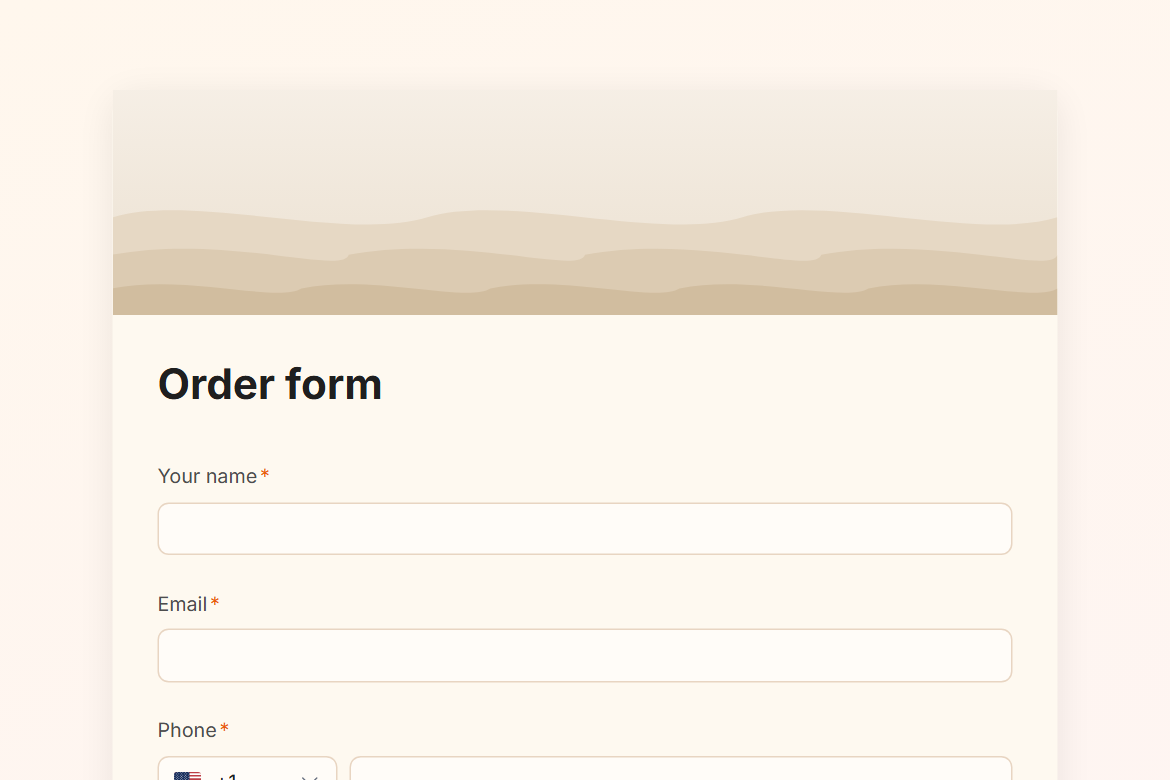
Order form
An order form with line items: each product and quantity adds up to a total that the customer pays when they submit.
What is in the form
- Your name
- Phone
- Your order (Product, Quantity, Line total for each item)
- Total (calculated)
- Notes on your order (long answer)
- Delivery or pickup? (one of 2)
- Delivery address (address)
- When do you need it? (date)
- Preferred time (dropdown)
- Payment (card payment)
“Delivery address” only appears when someone answers “Delivery” to “Delivery or pickup?”.
It ends with a thank-you message you can edit.
After someone submits
A Slack post. Every submission is posted to #orders, so the team sees it where they already work.
The workflow comes with the form, switched off until you fill in the blanks: Slack needs your workspace connected once.
Make it yours
The prices in “Line total” are placeholders: set your own in the calculation. Connect your Stripe account before you publish: the payment goes straight to it. Change anything in the builder: nothing goes live until you publish.