Requests & internal
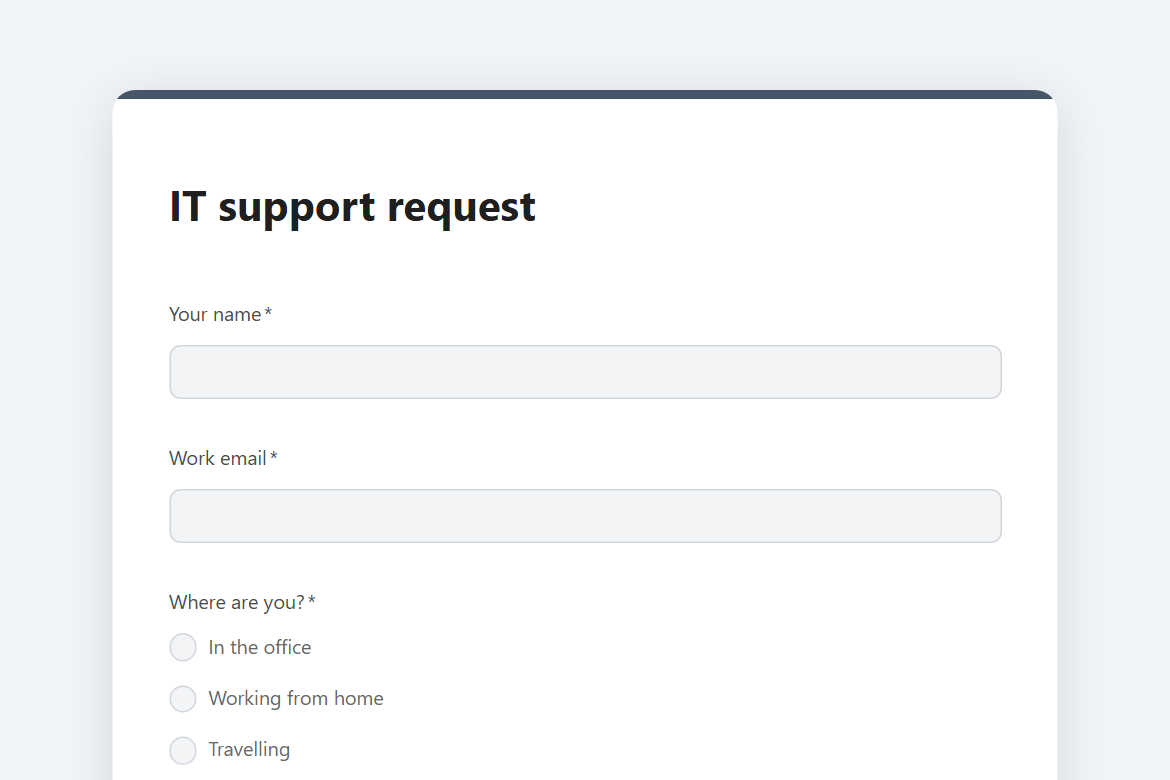
IT support request
An internal helpdesk form: the problem, its category and urgency, the device, a screenshot, and a Slack post to the IT channel the moment it comes in.
What is in the form
- Your name
- Work email
- Where are you? (one of 3)
- What is the problem with? (dropdown)
- How urgent is it? (one of 4)
- In one line
- What happened, and what have you tried? (long answer)
- Device
- Screenshot or photo of the error (file upload)
- Best way to reach you (one of 4)
It ends with a thank-you message you can edit.
After someone submits
A Slack post. Every submission is posted to #it-helpdesk, so the team sees it where they already work.
The workflow comes with the form, switched off until you fill in the blanks: Slack needs your workspace connected once.
Make it yours
Change anything in the builder: nothing goes live until you publish.